





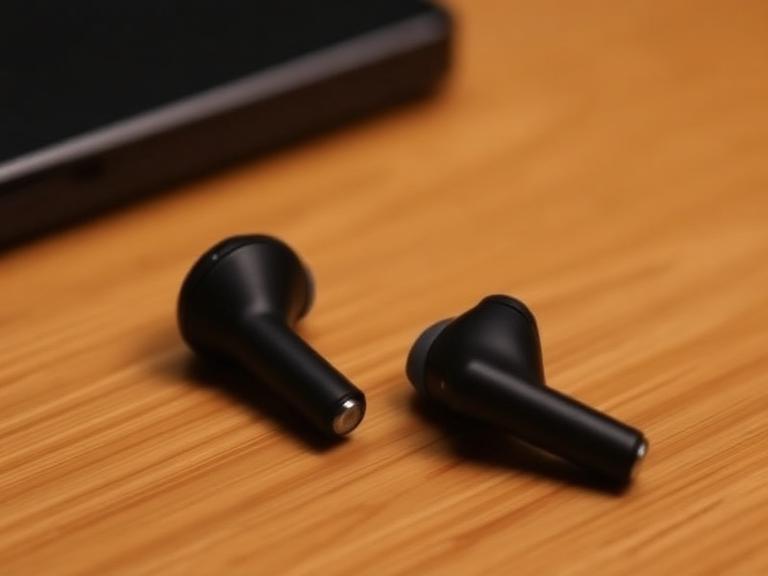
Wireless earbuds are no longer just audio devices. They have become an extension of our daily lives, used for calls, music, podcasts, and even voice assistants. But with advanced technology comes new risks. One of the most serious threats is the possibility that earbuds can be hacked, allowing cybercriminals to listen to your conversations or record private moments. This is not a futuristic scenario—it is a real danger in today’s digital world.
Why Earbuds Are Vulnerable to Hacking

Earbuds connect to devices using Bluetooth. Bluetooth is convenient but can be insecure if not properly protected. Because earbuds can be hacked, cybercriminals can exploit weak connections, outdated firmware, or unsecured companion apps to gain access. Once they succeed, they can use the microphone to listen to your conversations or even record your surroundings.
Many people assume that only smartphones or laptops are vulnerable, but the reality is that any device with a microphone and connectivity can be targeted. Even earbuds can be hacked, and they are particularly risky because they are often used in private settings like home, office, or during calls.
How Hackers Can Access Your Earbuds
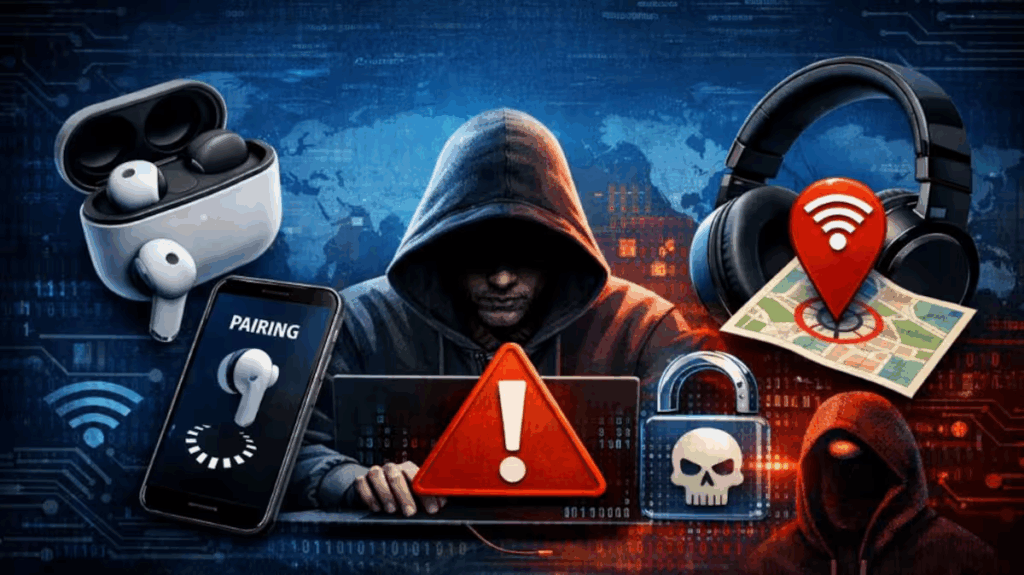
1. Bluetooth Exploits
Bluetooth is a way for gadgets to connect and share data without wires. Hackers can use techniques like “Bluetooth snooping” to intercept data. Since earbuds can be hacked through Bluetooth, if your earbuds are paired with your phone in a public place, a hacker might attempt to connect or eavesdrop.
2. Companion App Vulnerabilities
Most wireless earbuds come with a companion app for firmware updates and customization. These apps may have security flaws. Hackers can exploit these weaknesses to install malware, which can control the earbuds or access your phone’s microphone.
3. Fake or Counterfeit Earbuds
Counterfeit earbuds often have poor security and may contain hidden malware. These cheap devices might look like the real brand but earbuds can be hacked easily when they are counterfeit, and they can be designed to spy on you. Buying from unauthorized sellers increases this risk.
4. Voice Assistant Exploits
Many earbuds support voice assistants such as Siri or Google Assistant. Hackers can exploit these assistants using voice commands or by triggering the microphone without your knowledge.
Real-Life Evidence of Earbud Hacking
While it may sound like a movie plot, researchers have demonstrated that smart devices can be compromised. In recent years, cybersecurity experts discovered vulnerabilities in popular earbuds that allowed remote access to microphones. These cases prove that earbuds can be hacked, and manufacturers responded with updates, but these incidents still highlight the real danger.
Even if the risk is low for everyday users, it is still important to be aware of the threat. Cybercriminals often target people through weak devices and overlooked vulnerabilities.
Signs Your Earbuds Might Be Compromised
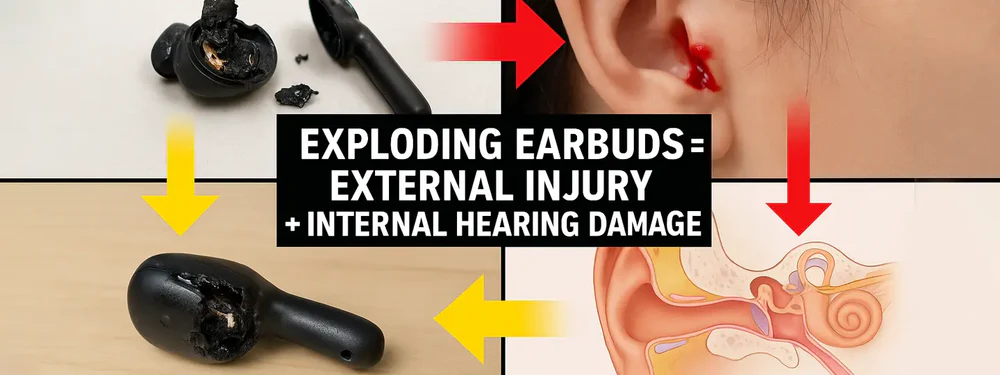
Here are some common signs that your earbuds could be hacked:
- Your earbuds battery drains unusually fast
- The microphone activates without your command
- Your device behaves oddly when earbuds are connected
- Unusual sounds or feedback during calls
- Unknown apps or permissions appear on your phone
- The voice assistant triggers randomly
If you notice these signs, take immediate action to protect your privacy.
How to Protect Yourself: Best Security Practices
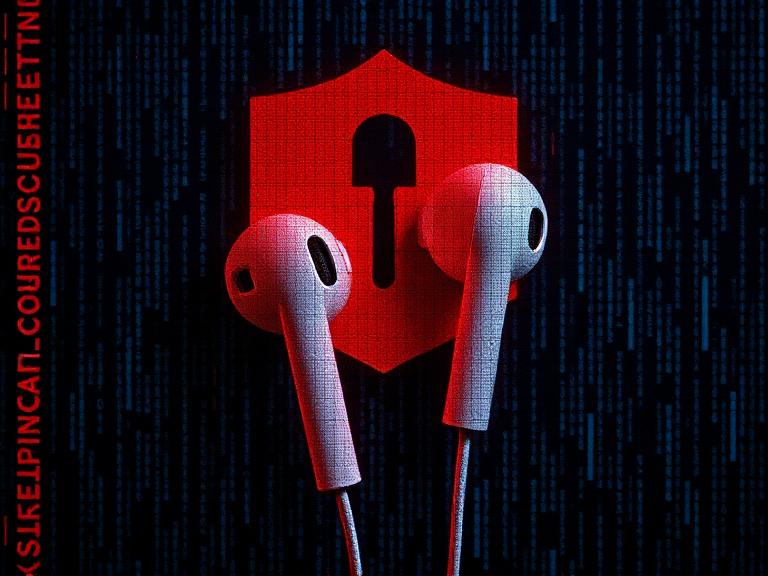
1. Buy From Trusted Brands
Always purchase earbuds from reputable manufacturers. Trusted brands usually provide regular updates and stronger security, which reduces the risk of earbuds being hacked. When you buy from a well-known brand, you are more likely to receive timely firmware updates and better protection against cyber threats.
2. Update Firmware Regularly
Firmware updates fix security issues. Make sure your earbuds and companion app are updated to the latest version.
3. Avoid Cheap or Counterfeit Devices
Counterfeit earbuds are often insecure. When the cost is unusually cheap, it could be a fake product. Always buy from authorized sellers.
4. Turn Off Bluetooth When Not in Use
If your earbuds are not in use, switch off Bluetooth. This prevents unauthorized connections and reduces the chance of hacking.
5. Use Strong Device Security
Your phone’s security matters. Use strong passwords, enable biometric locks, and keep your phone updated.
6. Disable Voice Assistants If Not Needed
Voice assistants can be exploited. Keep them switched off unless you need them.
7. Check App Permissions
Only allow necessary permissions for the earbud app. Avoid giving access to microphone, contacts, or storage unless required.
8. Avoid Public Bluetooth Connections
Avoid pairing earbuds in public places. Public spaces increase the risk of unauthorized access.
A Simple Safety Checklist

Here is a quick checklist to secure your earbuds:
- Buy from authorized sellers
- Update firmware and apps
- Turn off Bluetooth when not in use
- Use strong phone security
- Disable voice assistants
- Avoid counterfeit devices
Following these steps will significantly reduce the risk of being spied on.
What to Do If You Suspect Hacking
If you believe your earbuds have been compromised, follow these steps:
- Unpair and disconnect immediately
- Turn off Bluetooth
- Reset earbuds to factory settings
- Reinstall the companion app
- Scan your phone for malware
- Change your passwords
- Report the issue to the manufacturer
Acting quickly can prevent further privacy invasion.
Wireless earbuds can be vulnerable to hacking through Bluetooth or companion apps, so it’s important to keep firmware updated and use trusted brands to stay safe. For more details on Bluetooth security risks and prevention, you can check this guide from the Bluetooth SIG. Common Bluetooth threats and best ways to stay safe
To stay safe from earbud hacking, follow security best practices like updating firmware, avoiding public Bluetooth connections, and using trusted brands. For more tech updates and safety tips, check our latest article on the Google Pixel 10 Pro XL price drop and buying guide.